
CEnT-S Preparation: Video Lessons & PDF Notes | PrepTest
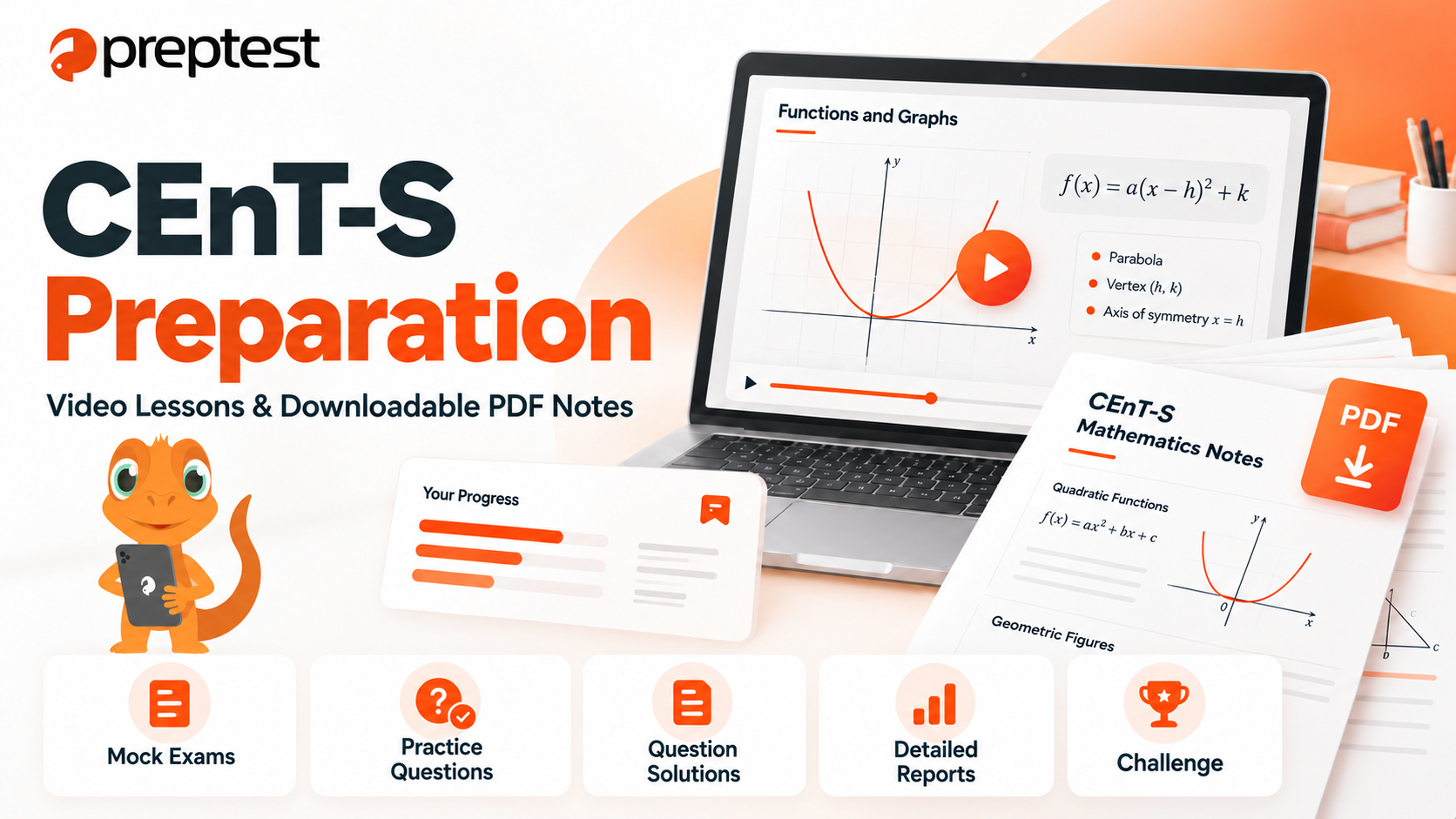
Preparing for CEnT-S involves learning concepts, practising questions, and reviewing what you have studied. Video lessons help you follow explanations, PDF notes make revision convenient, and question solutions show you how to apply your knowledge.
PrepTest brings together CEnT-S video lessons, downloadable PDF study notes, practice questions, and written and video solutions in one platform. Detailed reports let you review your performance, check your ranking, and identify topics to prioritise. You can also save questions for later and add variety to your practice with Challenge.
Learn Step by Step with CEnT-S Video Lessons
Whether you are studying a topic for the first time or revisiting something you find difficult, a clear explanation can help you move forward. PrepTest’s English-language CEnT-S video lessons support both learning and revision.
Follow lessons at your own pace, pause when you need more time, and replay sections you want to review. This allows you to focus your study time on concepts that need more attention.
While watching, try taking brief notes and explaining the main ideas in your own words. This can help you recognise what you understand and what you need to revisit.
Download CEnT-S PDF Notes and Revise Offline
You can download PrepTest’s CEnT-S PDF study notes, save them to your device, and study without an internet connection. Having your notes available makes it easier to fit revision around your daily schedule.
Use the English-language PDF notes alongside video lessons or as a separate revision resource. After watching a lesson, review the relevant notes, highlight key points, and return to those sections during your next study session.
To make the most of your CEnT-S PDF notes:
Preview the notes before a lesson to become familiar with the main concepts.
Follow the relevant sections while watching the video.
After the lesson, try recalling the key ideas without looking at your notes.
Return to specific sections when practice questions reveal a gap in your understanding.
This approach makes your notes a resource you can use throughout your preparation.
Combine Video Lessons with PDF Study Notes
Video lessons and PDF notes offer complementary ways to study the same topic. Follow an explanation in a video, then use the notes to revisit important concepts at your own pace.
For example, when studying a mathematics topic, start with the video lesson. Next, review the key concepts and formulas in the PDF notes before attempting practice questions.
If you get stuck at a particular step, return to the relevant part of the lesson or notes. This helps you focus your revision on the difficulties you encounter while solving questions.
Understand the Method with Written and Video Solutions
Knowing the correct answer is only part of reviewing a question. Understanding which information to use and how the solution develops helps you evaluate your own approach.
PrepTest provides English-language written and video question solutions. Read through written explanations step by step or follow the reasoning in a video solution.
As you review, consider where the difficulty arose. Did you misread the question, forget a concept, choose an unsuitable method, or make a calculation error?
Identifying the cause helps you choose your next step. Return to video lessons and PDF notes to review a concept, or practise similar questions to improve how you apply it.
Save Questions and Return to Them Later
Some questions are worth revisiting. With PrepTest, you can save the questions you choose and access them again later.
These do not have to be questions you answered incorrectly. You might also save questions you answered with uncertainty, questions that took longer than expected, or questions that introduced a useful solution method.
When you return to a saved question, try solving it before opening the explanation. Then compare your approach with the solution to check what you remember from your earlier practice.
Review Your Performance, Check Your Ranking, and Set Study Priorities with Detailed Reports
After a mock exam, understanding where you struggled can help you plan your next study session. PrepTest’s detailed CEnT-S exam reports let you review your performance by section and topic.
Examine your correct, incorrect, and unanswered questions, time use, and topic-level results to identify strengths and areas that need more attention. You can also view your ranking to see how your performance compares with other students.
Personalised study recommendations highlight which topics to prioritise based on your results, helping you decide where to begin your next study session.
Add Variety to Your Practice with Challenge
Different activities can bring variety to a regular study routine. PrepTest’s gamification features and Challenge add a game element to question practice.
You can play individually or compete against other students. These options give you another way to practise when you want a change from lessons and revision.
If a game reveals a topic you find difficult, return to the relevant video lessons and PDF notes to review it.
Build Your CEnT-S Study Routine with PrepTest
Combine the resources in the following study routine:
Choose a topic: Select something you want to learn or an area you find difficult.
Watch the video lesson: Replay any sections that need another look.
Review the PDF notes: Revisit the main concepts.
Practise questions: Apply what you have learned.
Check the solutions: Compare your method with the written or video explanation.
Save selected questions: Keep questions you want to attempt again.
Try Challenge: Add individual or competitive games to your practice.
Review your mock exam report: Check your results, view your ranking, and use study recommendations to identify your priorities.
Adapt this routine to your needs. If you already understand a topic, start with questions and return to the lessons when you identify a gap.
Frequently Asked Questions
Can I download PrepTest’s CEnT-S PDF study notes?
Yes. You can download the PDF notes, save them to your device, and review them without an internet connection.
What language are the CEnT-S lessons and study notes in?
The video lessons, PDF study notes, and question solutions are in English, allowing you to practise subject terminology while studying.
Does PrepTest provide question solutions?
Yes. Written and video question solutions are available to support your CEnT-S preparation.
Can I save questions to practise again later?
Yes. You can save questions you want to revisit and access them later.
What can I see in the detailed exam reports?
You can review section- and topic-level performance, correct, incorrect, and unanswered questions, time use, and your ranking. The reports also provide personalised recommendations on which topics to prioritise.
Can I play Challenge on my own?
Yes. Challenge includes both individual play and options to compete against other students.
Start Your CEnT-S Preparation with PrepTest
Learn with video lessons, revise with downloadable PDF notes, and apply your knowledge through practice questions. Explore written and video solutions, save questions for later, and use detailed reports to review your results, check your ranking, and identify your study priorities.
Explore PrepTest’s CEnT-S preparation resources and build a study routine that works for you.